Must-Have Mechanical Keyboards for Gamers
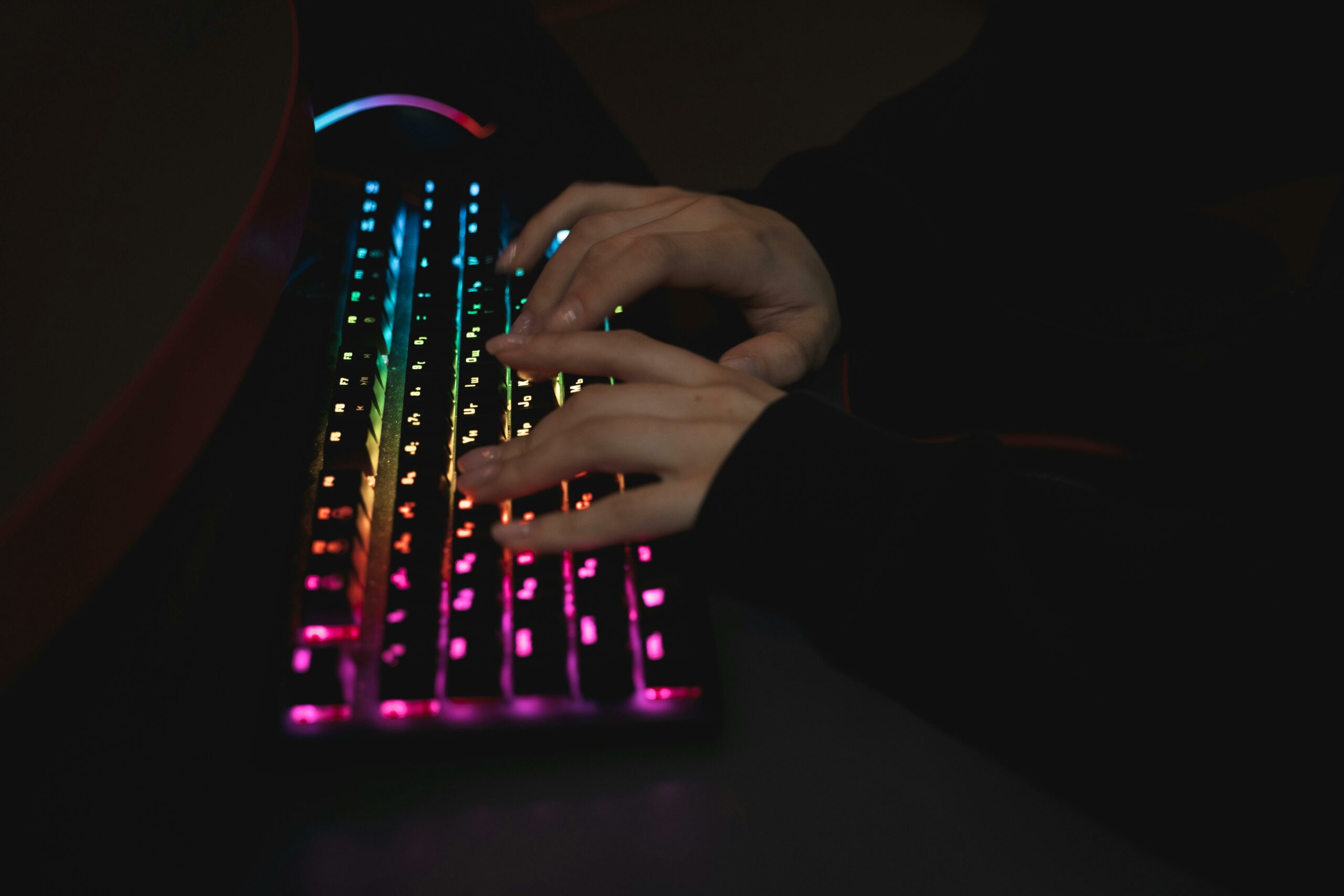
"Dominate the game with mechanical precision: the keyboard of champions!"
Mechanical keyboards have become an essential tool for gamers looking to optimize their gaming experience. Unlike traditional membrane keyboards, mechanical keyboards offer superior responsiveness and durability thanks to individual switches beneath each key. These switches—available in various types like Cherry MX, Razer, or Romer-G—allow players to choose the tactile feel that best suits their playstyle, whether they prioritize speed, precision, or comfort. Additionally, mechanical keyboards often come packed with extra features like customizable RGB lighting, programmable keys, and anti-ghosting technology, ensuring peak performance even during the most intense gaming sessions. For serious gamers, investing in a mechanical keyboard isn't just about comfort; it's a way to boost their competitive edge and deepen their immersion in the gaming world.
The Advantages of Mechanical Keyboards for Gamers
Mechanical keyboards have surged in popularity among gamers, and with good reason. These devices offer a multitude of benefits that make them indispensable for anyone looking to elevate their gaming experience. First and foremost, one of the primary assets of a mechanical keyboard is its durability. Unlike membrane keyboards, mechanical ones are engineered to withstand millions of keystrokes, making them a smart choice for gamers who log long hours of play. This robustness translates into an extended lifespan, guaranteeing that the initial investment pays off in the long run.
Furthermore, mechanical keyboards deliver unparalleled precision. Each key is equipped with its own mechanical switch, providing a distinct and immediate tactile response. This feature is especially beneficial in competitive gaming, where every millisecond counts. The ability to register fast, accurate keystrokes can mean the difference between victory and defeat. Moreover, the sheer variety of available switches—such as the renowned Cherry MX lineup—allows users to select the tactile feedback that best matches their personal preferences, whether they favor a light, lightning-fast keystroke or a firmer, more audible press.
Customization is another major perk of mechanical keyboards. Many models feature programmable macro keys, allowing gamers to tailor their controls for specific in-game actions. This flexibility can significantly enhance efficiency and gameplay fluidity. Additionally, the RGB lighting frequently found on these keyboards goes beyond mere aesthetics; it allows players to create customized lighting profiles that help rapidly identify crucial keys in the heat of the action.
In terms of comfort, mechanical keyboards frequently outshine their membrane counterparts. The ergonomic design of many mechanical models reduces hand and wrist fatigue, which is crucial for extended gaming marathons. Mechanical keys generally require less actuation force, contributing to enhanced comfort and reduced strain on the fingers.
Finally, the auditory aspect of mechanical keyboards is worth mentioning. While some might find the characteristic click of mechanical keys distracting, many gamers genuinely appreciate this auditory feedback, which adds an extra dimension to the typing experience. For those who prefer a quieter gaming environment, there are silent switch options that retain all the benefits of mechanical keyboards without the noise.
Ultimately, mechanical keyboards offer a winning combination of durability, precision, customization, comfort, and auditory feedback, making them uniquely tailored to gamers' needs. These advantages, paired with the ability to choose from an array of switches and features, make mechanical keyboards a must-have for anyone looking to optimize their gaming setup. Whether you're a casual player or a hardcore competitor, investing in a mechanical keyboard can transform the way you play and give you the competitive edge you need to excel.
How to Choose the Perfect Mechanical Keyboard for Gaming
Selecting the perfect mechanical gaming keyboard can seem like a daunting task, especially given the multitude of options on the market. However, by understanding the essential features and identifying your specific needs, you can make an informed choice that will level up your gaming experience. First and foremost, it's crucial to consider the type of switch that best suits your playstyle. Mechanical switches generally fall into three categories: linear, tactile, and clicky. Linear switches, such as Cherry MX Reds, offer a smooth, quiet keystroke, making them ideal for games that require rapid, repetitive actions. On the other hand, tactile switches, like Cherry MX Browns, provide a tactile bump mid-keystroke, which can be highly beneficial for games where precision is paramount. Lastly, clicky switches, such as Cherry MX Blues, produce an audible click with every press, offering both auditory and tactile satisfaction—though this can be distracting for some.
Once you've settled on a switch type, it's important to think about the keyboard layout. Mechanical keyboards come in various form factors, ranging from full-sized models with a number pad to compact tenkeyless (TKL) designs, and even "60%" keyboards that omit the function row and arrow keys. Your choice of size will largely depend on your available desk space and personal preferences. A compact keyboard can free up valuable real estate for broad mouse movements, a feature often prized by first-person shooter fans. Conversely, a full-sized keyboard might be a better fit if you frequently rely on the numpad for other tasks.
Customization is another key factor to consider when shopping for a mechanical gaming keyboard. Many keyboards feature RGB backlighting, allowing you to tailor the board's aesthetic to your taste or set up lighting effects that react to in-game environments. Furthermore, certain models allow you to program custom macros, which can be a massive advantage for executing complex key combinations with a single click. This feature is particularly invaluable in strategy games or MMORPGs, where speed and efficiency can easily sway the outcome of a match.
Finally, durability and build quality are critical factors. A mechanical keyboard is an investment, and you'll want to select a model that can withstand countless hours of intense gameplay. Look for keyboards crafted from robust materials like aluminum or reinforced plastic, and ensure the keycaps are built to resist wear and tear. PBT keycaps, for instance, are often favored for their long-lasting durability and premium textured feel.
Finally, budget is an unavoidable factor in the decision-making process. Mechanical keyboards vary considerably in price, and quality options can be found across various price points. It's important to set a realistic budget while keeping in mind that extra features and premium build quality can justify a higher investment. In short, choosing the perfect mechanical gaming keyboard requires carefully evaluating your needs when it comes to switches, layout, customization, durability, and budget. By factoring in these elements, you'll be able to select a keyboard that not only meets your expectations but also elevates your gaming experience.
Top Mechanical Keyboard Brands for Gamers
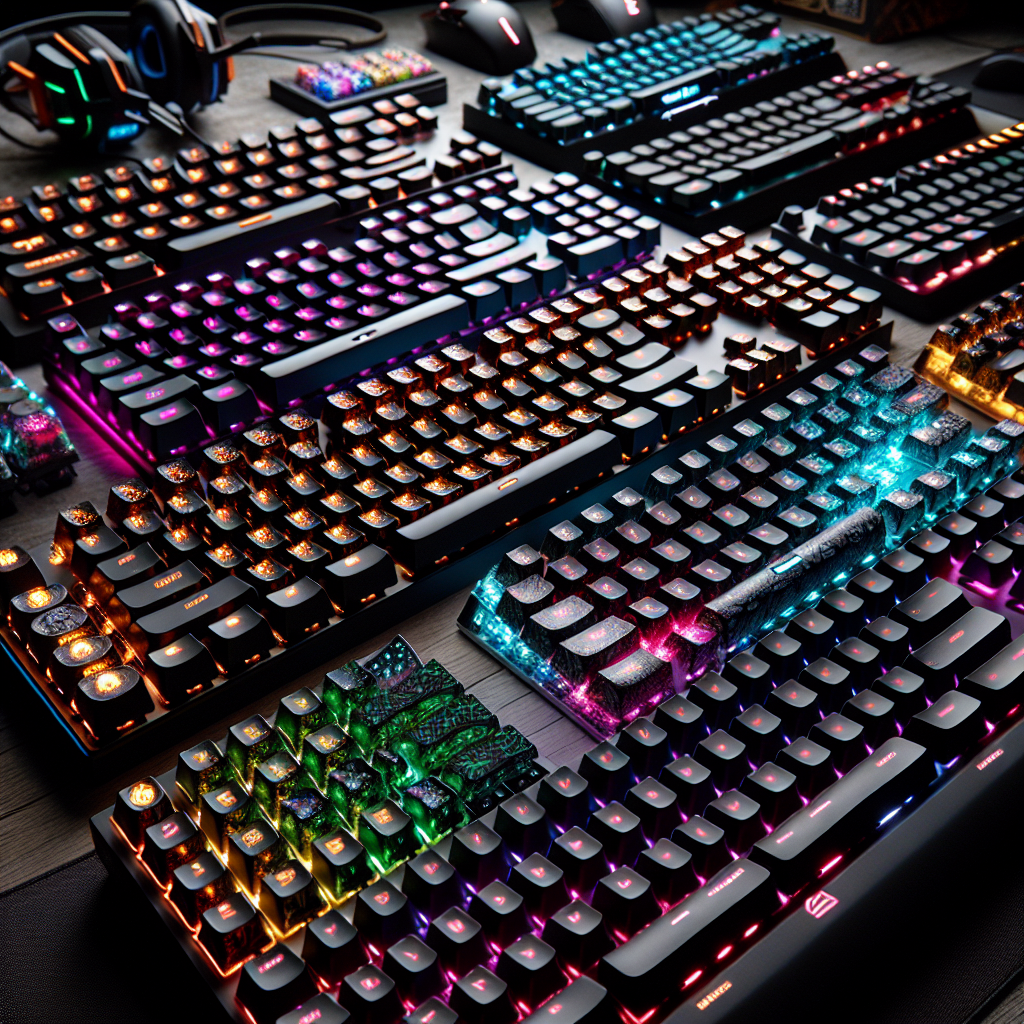
When choosing a mechanical gaming keyboard, the brand plays a crucial role in determining both quality and performance. Gamers often look for keyboards that offer not just exceptional responsiveness, but also long-lasting durability and comfort. Several brands stand out in this arena, each bringing their own innovations and unique features to meet the diverse needs of players.
Corsair is one of the most highly respected brands in the mechanical gaming keyboard space. Known for its robust products and advanced features, Corsair offers a lineup of keyboards integrating cutting-edge technology like customizable RGB lighting and programmable macro keys. Corsair keyboards are often equipped with Cherry MX switches, renowned for their precision and durability. This combination of features makes Corsair a top choice for gamers seeking an immersive and personalized gaming experience.
Another brand that has successfully made its mark in the industry is Razer. Razer is famous for its innovative designs and outstanding performance. Their mechanical keyboards often feature proprietary switches—such as Razer Green, Orange, and Yellow—that offer various tactile sensations to suit individual player preferences. Furthermore, the integration of Razer Synapse software allows for deep customization of keys and lighting, delivering a truly tailor-made gaming experience. Razer’s reputation for quality and innovation makes it a go-to choice for demanding gamers.
Logitech is another brand that commands gamers' attention. With its G-series mechanical keyboards, Logitech has successfully combined ergonomics, performance, and aesthetics. The Romer-G switches, developed in collaboration with Omron, deliver swift responsiveness and enhanced durability—essential qualities for intense gaming sessions. Additionally, Logitech keyboards often come with extra features like detachable wrist rests and dedicated media controls, elevating both comfort and everyday usability.
SteelSeries is another brand that has built a solid name for itself among gamers. SteelSeries mechanical keyboards are known for their sturdy construction and sleek design. The QX2 switches used in many of their models offer smooth, highly responsive keystrokes ideal for competitive play. SteelSeries also stands out with its Engine software, which enables advanced customization of gaming profiles and lighting to provide a richer user experience.
Finally, HyperX—though a relatively new player in the mechanical keyboard market—has quickly surged in popularity thanks to its high-quality hardware. HyperX keyboards often feature either Cherry MX switches or their own proprietary HyperX switches, both providing excellent responsiveness and a satisfying tactile feel. The brand's heavy focus on comfort and durability makes it a highly attractive option for gamers looking for a reliable, high-performance keyboard.
In conclusion, choosing a mechanical gaming keyboard largely comes down to personal preference regarding typing feel, design, and feature set. Brands like Corsair, Razer, Logitech, SteelSeries, and HyperX all offer exceptional options that cater to the diverse needs of gamers. By considering these reputable brands, players can be confident in finding a keyboard that will not only enhance their gaming experience but also stand the test of time.
Comparing the Different Types of Mechanical Switches
In the gaming world, your choice of keyboard can have a massive impact on the overall experience. Mechanical keyboards, in particular, are highly sought after for their durability, responsiveness, and customizability. At the heart of these keyboards are the mechanical switches, which largely determine how the board feels and performs. There are several types of mechanical switches, each offering distinct characteristics that can sway a gamer's preference. To fully understand these differences, it’s essential to look at the main switch types available on the market.
Mechanical switches generally fall into three main categories: linear, tactile, and clicky. Linear switches, such as the Cherry MX Red, are often favored by gamers for their smooth, uninterrupted keystrokes. They offer consistent resistance from the start of the press all the way to actuation, allowing for rapid and fluid typing. This is especially prized in games that demand fast, repetitive actions, such as first-person shooters. However, the lack of tactile feedback may not suit everyone, particularly those who prefer physical confirmation that a key has been triggered.
Conversely, tactile switches, like the Cherry MX Brown, provide a distinct physical bump midway through the keystroke. This feedback lets users feel the exact actuation point without having to bottom out the key completely. This feature is beneficial for games requiring precise inputs, as well as for general typing, as it can help reduce finger fatigue. Tactile switches represent the perfect middle ground for those wanting solid gaming performance combined with a comfortable typing experience.
Clicky switches, such as the Cherry MX Blue, add an auditory dimension to the tactile bump. In addition to feeling the actuation point, users hear an audible click with every press. This sound can be highly satisfying for some, providing a clear confirmation of each keystroke. However, the noise generated by these switches can be disruptive in shared environments, which tends to limit their popularity among gamers playing in communal or office spaces.
Beyond Cherry MX, other manufacturers offer some compelling alternatives. For instance, Razer Green and Logitech Romer-G switches offer their own spin on tactile and clicky sensations, while Gateron’s linear switches are often praised for being even smoother than Cherry MX Reds. These options broaden the field for gamers, ensuring they can find the exact switch that perfectly aligns with their personal preferences.
Ultimately, choosing a mechanical switch is a deeply personal decision that comes down to individual preferences regarding feel, sound, and performance. To make an informed choice, gamers should consider the types of games they play most frequently, as well as their gaming environment. By exploring the various options available, every player can find the perfect mechanical keyboard to elevate their gaming experience and meet their specific needs.
Care and Maintenance for Maximum Mechanical Keyboard Longevity
Mechanical keyboards have become the go-to choice for gamers in search of performance and durability. However, to ensure these peripherals last as long as possible, regular care and proper maintenance are essential. A well-maintained keyboard not only lasts longer but also guarantees a smooth and responsive gaming experience. First and foremost, it is crucial to understand that dust and debris can easily accumulate between the keys, which can negatively impact the keyboard's performance. Routine cleaning is therefore vital to prevent these issues.
To clean a mechanical keyboard effectively, you should always unplug it first for safety reasons. Next, use a can of compressed air to dislodge dust and particles trapped between the keys. This method is quick and easy, but it must be done carefully to avoid damaging internal components. Additionally, a slightly damp microfiber cloth can be used to wipe down the surface of the keys and the keyboard chassis, clearing away fingerprints and other smudges.
Beyond surface cleaning, occasionally removing the keycaps is necessary for a deep clean. While this process is more meticulous, it allows you to reach hard-to-access areas and remove built-up grime. A keycap puller is an invaluable tool for this, making it easy to remove the caps without damaging the switches. Once removed, the keycaps can be washed in warm, soapy water and dried thoroughly before being reattached. This step ensures that every key functions flawlessly, eliminating the risk of sticking.
In addition to cleaning, lubricating the switches is another highly recommended practice to maintain the keyboard's smooth and responsive feel. Over time, wear and tear can cause switches to become sluggish. Applying the appropriate lubricant can reduce friction and extend the lifespan of the switches. However, this task requires a certain level of expertise, as over-lubricating can have the exact opposite effect and potentially damage the keyboard. It is highly advisable to consult the manufacturer's recommendations or specialized guides before attempting this.
Furthermore, it is important to be mindful of your gaming environment. Avoiding food and drinks near your setup is the easiest way to prevent spills that could cause irreversible damage to the electronic components. Additionally, using a wrist rest can alleviate the downward pressure exerted on the keyboard, further minimizing mechanical wear.
Finally, it is always a good idea to regularly check your keyboard's firmware and install any necessary updates. These updates can patch bugs, improve compatibility with newer operating systems, and unlock new features. By following these care and maintenance tips, gamers can ensure their mechanical keyboard remains in pristine working condition, delivering an optimal and long-lasting gaming experience. In short, regular and careful maintenance is the key to getting the most out of your mechanical keyboard and extending its lifespan. Mechanical keyboards have become an indispensable tool for gamers due to their durability, responsiveness, and customization. Unlike membrane keyboards, mechanical variants offer superior precision and tactile feedback that genuinely enhance the gameplay experience. Mechanical switches, available in numerous variations like Cherry MX, allow players to select the specific feedback and actuation force that best suits their playstyle. Moreover, the ability to customize keycaps and RGB lighting adds both aesthetic and functional value, enabling gamers to curate a truly immersive setup. Ultimately, for serious players looking to maximize both performance and comfort, a mechanical keyboard is a smart—and often essential—investment.